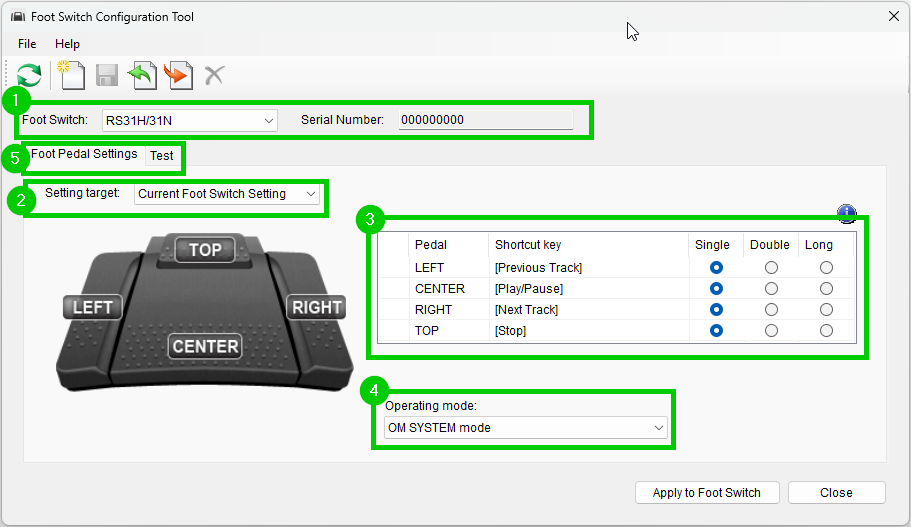
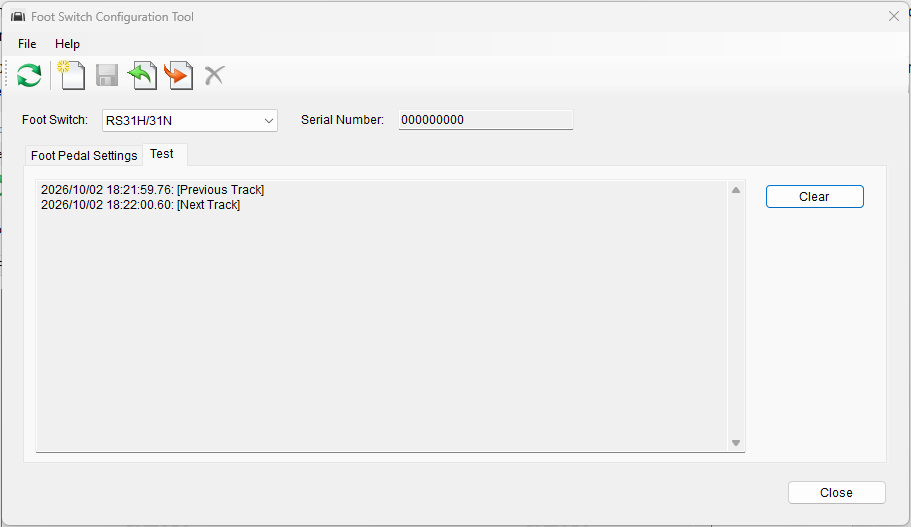
This article will document how to use the foot switch configuration tool
The Foot Switch Configuration Tool can be used to customize the settings for the following models:
- OM SYSTEM RS-27N, RS-28N, and RS-31N
- Olympus RS-27H, RS-28H, and RS-31H
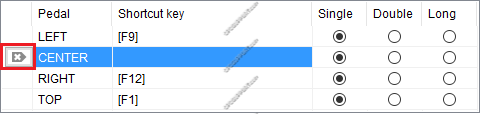
Any combination of keyboard commands can be assigned to each pedal, allowing the control of applications through hotkey shortcuts. You can also create settings templates for quick and easy configuration. The tool is available for download at https://audiosupport.omsystem.com/en/product-category/utilities/.