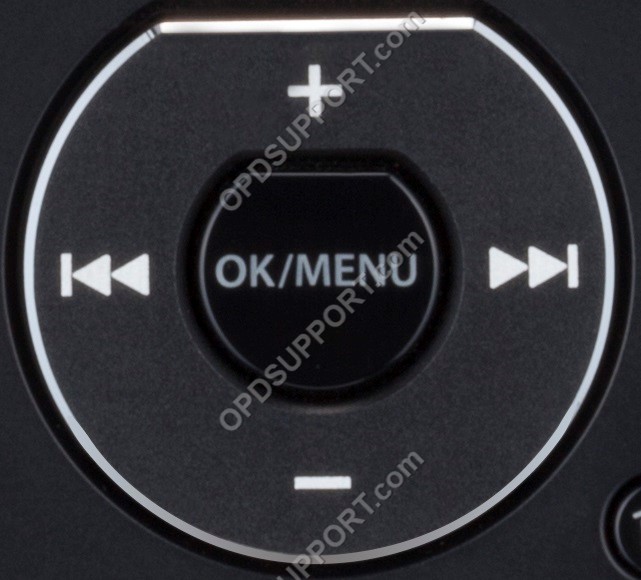
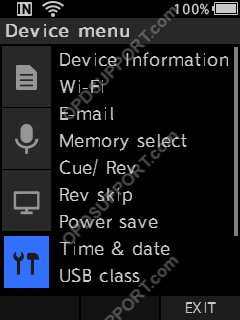
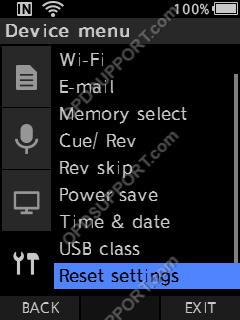
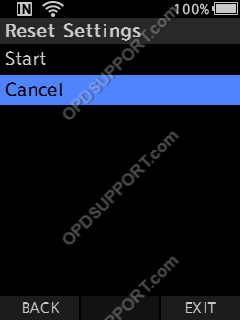
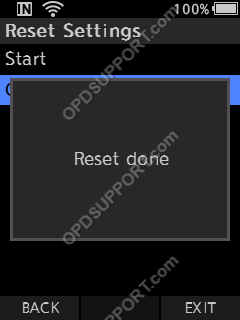
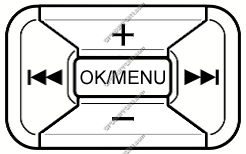
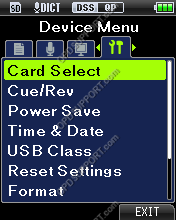
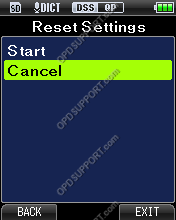
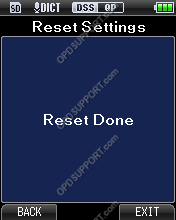
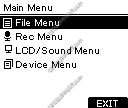
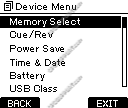
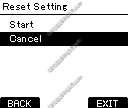
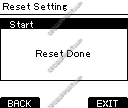
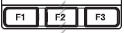
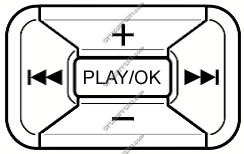
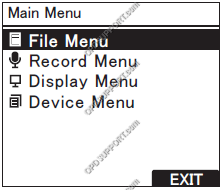
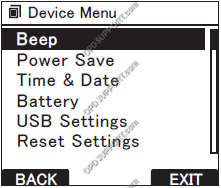
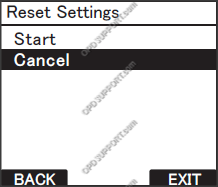
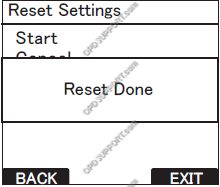
Reset Device Settings Posted on July 7, 2016August 10, 2026 by Webmaster This guide will take you through how to reset your device settings on the recorder. + – DS-9500 / DS-9100 / DS-9000 / DS-2700 / DS-2600 Click to collapse The image below shows the buttons that you will use to navigate through the menu. Press the “OK/Menu” button to open the menu. Use the “-” button to navigate to “Device Menu” and press “OK/Menu”. Scroll down to ‘Reset Settings’ using the ‘-‘ button and press ‘OK/Menu’. Press “+” to select “Start” and then press “OK/Menu”. Once complete, it will display “Reset done”. + – DS-7000 / DS-3500 Click to collapse The image below shows the buttons that you will use to navigate through the menu. Press “OK/Menu” to open the Menu. Press to go to the Device Menu, then press “–” to scroll down to Reset Settings and select “OK/Menu”. Press “+” to select “Start” and then press “OK/Menu”. Once complete, it will display “Reset done”. + – DS-5500 / DS-5000 Click to collapse The image below shows the buttons that you will use to navigate through the menu. Press “OK/Menu” to open the “Main Menu” Press “-” to navigate to “Device Menu” and then press “OK/Menu”. Scroll down to ‘Reset Settings’ using the ‘-‘ button and press ‘OK/Menu’. Press “+” to select “Start” and then press “OK/Menu”. Once complete, it will display “Reset done”. + – DS-3400 / DS-2500 / DS-2400 Click to collapse The images below show the buttons that you will use to navigate through the menu. Press “F3” to bring up the Main Menu Press “-” to navigate to the Device Menu and Press “OK/Menu”. Press “-” to select Reset Settings and “press OK/Menu” Press “+” to select Start and press “OK/Menu” Once complete, it will display “Reset done”.